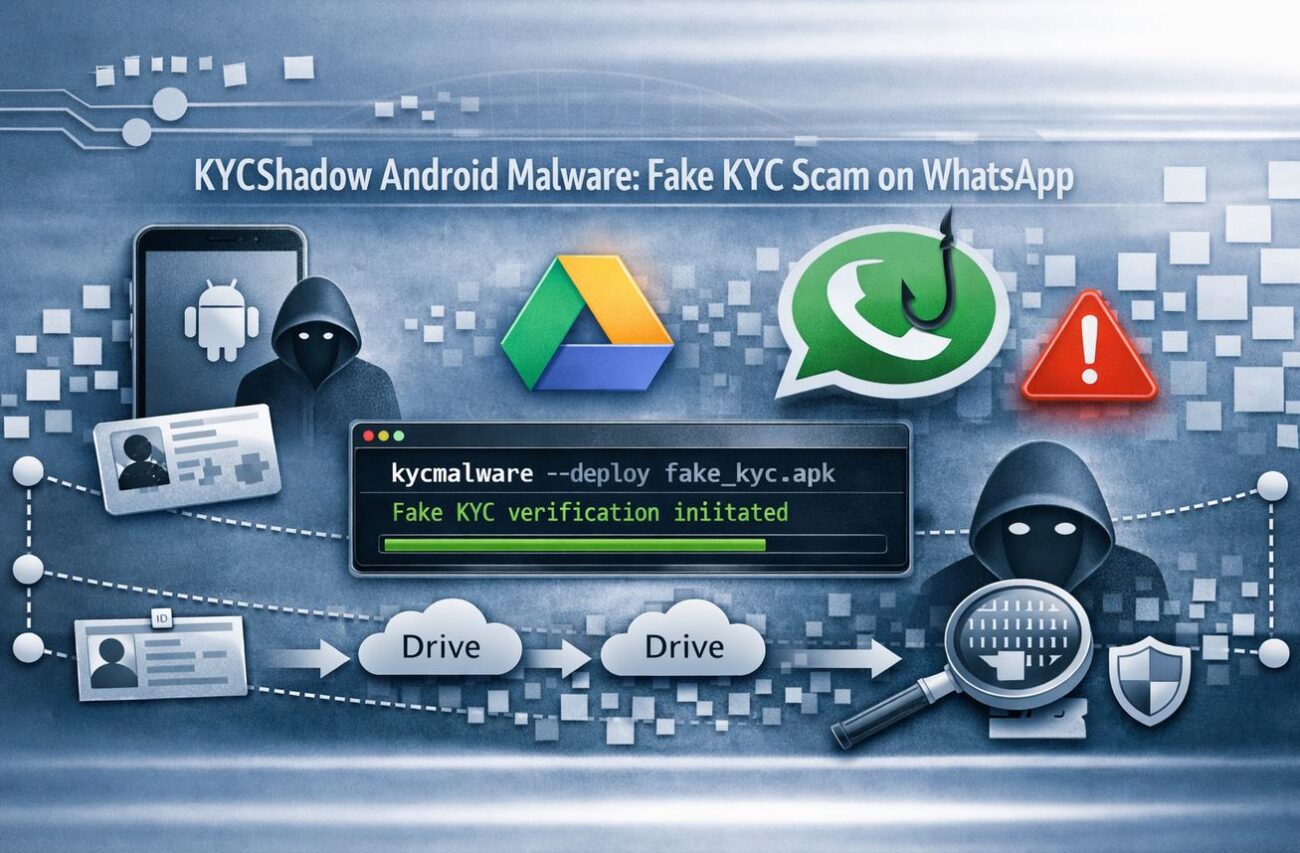
A sophisticated new Android banking threat, tracked as KYCShadow, has emerged in April 2026, specifically targeting millions of mobile banking users across India. By exploiting a routine process everyone knows—the Know Your Customer (KYC) verification—this malware uses psychological manipulation and a complex technical “dropper” mechanism to bypass traditional mobile security.
Discovered by researchers at Cyfirma, KYCShadow isn’t just another phishing app; it is a full-featured mobile banking trojan capable of intercepting OTPs, hijacking device traffic via VPN, and operating in total silence.
The Hook: Familiarity as a Weapon
In India, periodic KYC updates are a mandatory banking requirement. Attackers are now weaponizing this familiarity.
The WhatsApp Delivery Vector
The attack begins with a WhatsApp message that appears to be from a trusted bank. It warns the user that their account will be suspended unless they complete an immediate KYC update via the “Official Banking Compliance App” attached to the message.
Convincing UI/UX
Once installed, the app presents professionally designed screens that mimic legitimate banking interfaces. It systematically collects:
- Mobile Numbers & Aadhaar Details
- ATM PINs
- Credit/Debit Card Data
After the user submits their data, the app displays a “Verification in Progress” message. In reality, the data has already been exfiltrated to an attacker-controlled server at jsonapi[.]biz.
Technical Deep Dive: The Two-Stage Dropper
KYCShadow is engineered for stealth, utilizing a two-stage infection chain to stay off the radar of Play Protect and mobile antivirus scanners.
Stage 1: The Loader (Dropper)
The initial app the victim installs is merely a “shell.” Its only job is to provide a deceptive “Update Required” screen. When the user clicks “Install Update,” the loader:
- Requests VPN Permissions: It establishes a full-tunnel VPN to route all device traffic through the attacker’s layer.
- Decrypts the Payload: Using an XOR-based algorithm tied to its own package name, it decrypts a hidden secondary payload.
- Silent Installation: It uses Android’s
PackageInstallerAPI to install the true malware without further user prompts.
Stage 2: The Core Payload (com.am5maw3.android)
Once the secondary payload is active, it immediately hides its icon from the app launcher. It then requests high-level permissions, including:
- SMS Access: To intercept and forward One-Time Passwords (OTPs).
- Phone Control: To place calls or use USSD codes for call forwarding.
- Battery Optimization Exemption: Ensuring it remains active even when the phone is idle.
[Table: KYCShadow Malware Capabilities]
| Feature | Impact | Risk Level |
|---|---|---|
| SMS Interception | Steals OTPs for bank transfers | Critical |
| Full-Tunnel VPN | Monitors and blocks security traffic | High |
| FCM Command Channel | Real-time remote control by attacker | High |
| Launcher Hiding | Prevents the user from deleting the app | Medium |
Export to Sheets
Bypassing Security with Full-Tunnel VPNs
One of the most dangerous features of KYCShadow is its mandatory VPN connection. By routing all outbound traffic through the attacker’s infrastructure, the malware can:
- Filter Security Updates: Prevent the phone from communicating with Google Play Protect or security vendor servers.
- Man-in-the-Middle (MITM): Observe all other banking activity or web browsing on the device.
- Bypass Geo-fencing: Make the malicious traffic appear as if it is coming from a “trusted” IP range.
Expert Insights: The Shift to Social Messaging
As a senior analyst, I’ve noted a shift away from malicious links toward direct file delivery via WhatsApp. This is effective because users tend to trust files received in a “private” chat more than a random SMS link.
Risk-Impact Analysis: The use of Firebase Cloud Messaging (FCM) allows the attackers to push commands to thousands of infected devices instantly. This makes KYCShadow a “modular” threat; today it steals KYC data, but tomorrow the attacker could push a module to record screens or log keystrokes.
FAQs
Why is it called KYCShadow?
The name refers to its primary lure (fake KYC updates) and its “shadow” behavior—operating silently in the background with a hidden launcher icon.
How do I know if my phone is infected?
Look for these red flags:
- An active VPN icon you didn’t start.
- Unexpected requests for “SMS” or “Phone” permissions.
- A sudden drop in battery life or high data usage.
- Your banking app’s OTPs being marked as “read” before you see them.
Can I get this malware from the Google Play Store?
Currently, KYCShadow is distributed via WhatsApp and third-party APKs. It relies on the user enabling “Install from Unknown Sources.”
What should I do if I entered my PIN into the fake app?
Contact your bank immediately to freeze your accounts and change your ATM PIN and mobile banking passwords from a different, clean device.
Conclusion: Don’t Let “Compliance” Compromise You
KYCShadow proves that attackers are getting better at blending into the “administrative noise” of our digital lives. By mimicking a mandatory compliance check, they lower our psychological defenses.
Immediate Steps for Users:
- Never install
.apkfiles sent via WhatsApp or Telegram. - Disable “Install Unknown Apps” in your Android settings.
- Only use official banking apps downloaded from the Google Play Store.
For Organizations: Block these C2 domains at the network level: jsonapi[.]biz, jsonserv[.]biz, and jsonserv[.]xyz.
Is your mobile workforce protected? [Download our Mobile Threat Defense Guide] to learn how to identify staged droppers before they compromise your enterprise data.
