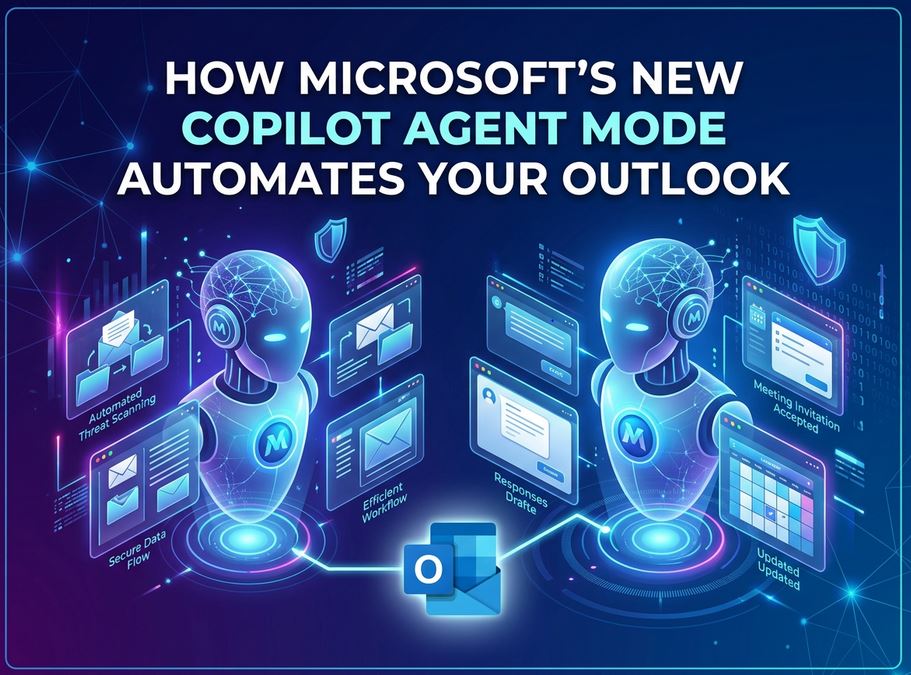
The era of reactive AI is over. On April 27, 2026, Microsoft officially transitioned Copilot from a basic drafting tool into a proactive autonomous digital agent for Outlook.
This update introduces “agentic” capabilities, allowing Copilot to operate continuously in the background of your inbox and calendar. For enterprise leaders and IT professionals facing “digital debt,” this marks a shift from AI as an assistant to AI as a teammate.
Autonomous Inbox Management: Beyond Drafting
Previously, Copilot required a prompt to act. In the new Agent Mode, it monitors your communication flow in real-time to keep operations moving without human intervention.
Key Agentic Skills:
- Proactive Triage: Copilot analyzes incoming mail to surface urgent requests while automatically tagging leadership emails as “High Priority.”
- Shadow Follow-ups: The AI tracks unreplied threads and automatically drafts (or sends, depending on your settings) polite reminders after 24 hours.
- The “Return from Leave” Summary: For employees returning from vacation, Copilot provides a consolidated briefing of missed emails, highlights blockers, and suggests which threads to archive safely.
Microsoft has integrated transparency logs, allowing users to see exactly why the AI prioritized a specific message or drafted a certain response, ensuring the “human in the loop” maintains ultimate control.
Intelligent Calendar Automation
Scheduling is easy; rescheduling is the administrative burden. Copilot’s agentic layer now treats your calendar as a dynamic puzzle that it constantly optimizes.
Continuous Schedule Monitoring:
- Conflict Resolution: If a new high-priority meeting overlaps with a 1:1, Copilot proactively suggests a new time and drafts the rescheduling note to the attendee.
- Focus Time Shielding: The agent monitors your task list and automatically blocks “Focus Time” on your calendar before your day fills up with low-value meetings.
- Off-Hours Protection: Users can set rules to automatically “Follow” meetings scheduled outside of typical working hours, providing a summary later instead of requiring attendance.
[Image: A split-screen view showing a cluttered calendar on the left and a Copilot-optimized, organized calendar on the right]
Strategic Features for the “Work IQ” Era
Microsoft is grounding these features in what they call Work IQ—a contextual understanding of your relationships, project data, and corporate priorities.
| Feature | Actionable Capability |
|---|---|
| Weekly Briefings | Pulls data from the past week to draft high-importance status updates for management. |
| Meeting Triage | Analyzes your week and recommends which meetings to decline, delegate, or convert to asynchronous updates. |
| Client Prep | Gathers context from previous threads and identifies potential risks to prepare you for upcoming calls. |
Export to Sheets
Expert Insights: The Shift to “Agentic” Productivity
As a senior tech analyst, I see this as the most significant pivot since the initial launch of M365 Copilot. By moving to an agentic model, Microsoft is addressing the “AI Fatigue” caused by users having to manually prompt the AI for every minor task.
Risk-Impact Analysis: The success of Agent Mode hinges on Trust and Governance. IT managers must now move from managing “AI access” to managing “AI permissions”—defining exactly how much autonomy Copilot has to represent a user in an email thread.
FAQs
What does “Agentic AI” actually mean?
Agentic AI refers to systems that can follow multi-step plans and make decisions autonomously to achieve a goal, rather than just responding to a single text prompt.
Will Copilot send emails without my permission?
By default, Copilot drafts messages for your review. However, users can enable “autonomous mode” for specific routine tasks, like internal follow-ups, with clear guardrails.+1
Is this available for all Outlook users?
The update began rolling out on April 27, 2026, via the Microsoft 365 Copilot program for Windows, Web, and Mobile.
Conclusion: From Assistant to Digital Teammate
The launch of Agent Mode in Outlook represents a fundamental change in how we interact with software. We are moving from a world of “tools we use” to “agents that work for us.”
Immediate Recommendations:
- Define Your Rules: Set clear “High Priority” parameters so Copilot knows which stakeholders matter most.
- Audit Your Calendar: Use the “Align Time to Priorities” prompt to see how Copilot would reorganize your week.
- Review the Logs: Spend the first week reviewing Copilot’s “Work Steps” to ensure its logic aligns with your professional tone.
Is your team ready for autonomous AI? [Download our 2026 Guide to Agentic Governance] to learn how to set safe boundaries for AI agents in your workforce.
