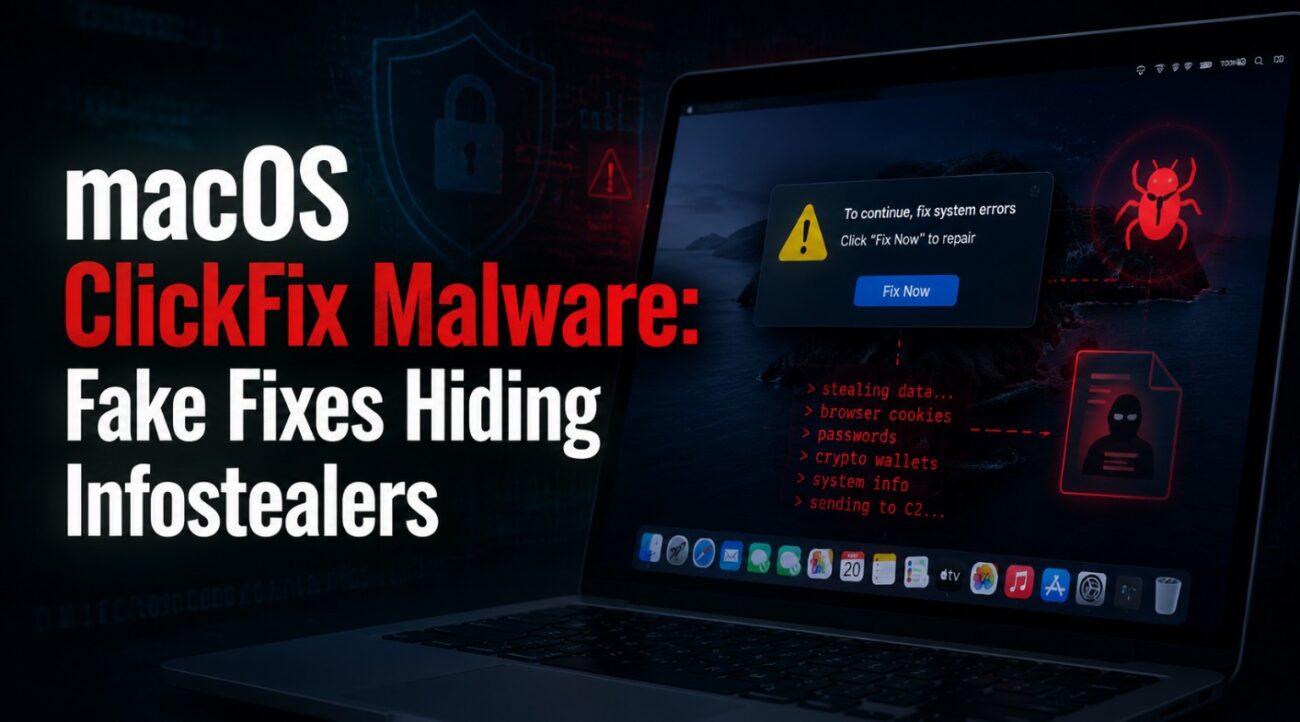
Imagine searching online for a quick fix to a common macOS issue—like low disk space—and finding what looks like a trusted guide. You follow the instructions, paste a command into Terminal… and unknowingly compromise your entire system.
This is exactly how the ClickFix macOS malware campaign operates. By disguising malicious instructions as helpful troubleshooting content, attackers are exploiting user trust to bypass built-in macOS protections and deploy powerful infostealers.
This campaign marks a dangerous shift in attack techniques, where social engineering and legitimate platforms are combined to deliver malware without traditional downloads or alerts.
What Is the ClickFix Malware Campaign?
ClickFix is a highly targeted malware campaign aimed at macOS users. It uses fake troubleshooting guides hosted on legitimate platforms like blogging sites and note-sharing tools to trick users into executing malicious commands.
Instead of delivering malware through traditional files, attackers rely on user-executed Terminal commands, making the attack both stealthy and effective.
Key characteristics of this campaign:
- Social engineering through trusted platforms
- No malicious file download required initially
- Execution via Terminal commands
- Direct bypass of macOS Gatekeeper protections
- Deployment of advanced infostealer malware
How the Attack Works (Step-by-Step)
The ClickFix attack chain is designed to look completely legitimate:
- A user searches for a macOS issue (e.g., disk space problems)
- They land on a fake but convincing guide
- The guide instructs them to copy and paste a Terminal command
- The command executes a hidden script
- Malware is downloaded and installed silently
- Sensitive data is collected and exfiltrated
Critical detail:
Because the user manually runs the command, macOS security mechanisms like Gatekeeper do not intervene, allowing the attack to proceed without warnings.
Why This Attack Is So Dangerous
ClickFix stands out due to its ability to bypass traditional defenses:
- No suspicious app installation process
- No explicit malware file initially visible
- User-assisted execution bypassing security controls
Once executed, the malware operates quietly in the background, making detection difficult.
Infostealer Capabilities: What Gets Stolen?
After infection, the malware variants (such as Macsync, Shub Stealer, and AMOS) begin harvesting sensitive data.
The data at risk includes:
- Browser credentials and saved passwords
- iCloud data and Keychain entries
- Cryptocurrency wallet information
- Telegram and messaging data
- Media files and system data
In more advanced scenarios, the malware replaces legitimate crypto wallet applications with malicious versions designed to intercept all future transactions.
Persistence Mechanisms and Backdoor Access
ClickFix malware ensures long-term access using macOS persistence techniques:
- LaunchAgents and LaunchDaemons for automatic execution
- Hidden background processes that restart on system reboot
- Disguised files pretending to be legitimate services
Some variants even mimic trusted components like Google update agents to remain hidden within the system.
Additionally, certain campaigns deploy persistent backdoors that automatically relaunch if terminated, ensuring continuous attacker access.
Advanced Attack Techniques Observed
The campaign includes multiple variants with evolving strategies:
- Loader-based attacks: Collect system details and connect to attacker servers
- Script-based attacks: Dynamically locate command-and-control servers
- Helper/backdoor variants: Install persistent hidden executables
Some versions also use fallback communication channels, such as messaging platforms, to maintain control even if primary servers are blocked.
Common Lures Used in the Campaign
The success of ClickFix depends heavily on realistic social engineering:
- Fake macOS troubleshooting articles
- Disk cleanup or performance optimization guides
- Instructions mimicking official Apple support content
- Pages hosted on trusted or familiar platforms
These lures are carefully designed to appear credible, making users more likely to trust and follow the instructions.
Security Risks and Impact Analysis
This campaign introduces multiple layers of risk:
Credential Compromise
Attackers gain access to passwords, tokens, and authentication data.
Financial Loss
Cryptocurrency wallets can be hijacked and drained.
Data Privacy Breach
Sensitive personal and enterprise data can be exfiltrated.
Persistent Access
Attackers maintain long-term control over infected systems.
Enterprise Exposure
Compromised endpoints can become entry points for broader network attacks.
Best Practices to Prevent ClickFix Attacks
1. Never paste unknown commands into Terminal
Even if the source appears legitimate.
2. Educate users about social engineering risks
Security awareness is the first line of defense.
3. Monitor command-line activity
Flag unusual use of scripting tools and encoded commands.
4. Use endpoint detection and response (EDR)
Detect abnormal behaviors and persistence mechanisms.
5. Restrict execution policies where possible
Limit unauthorized script execution.
6. Keep macOS updated
Newer versions include additional protections against malicious actions.
Detection and Threat Hunting Indicators
Security teams should monitor for:
- Unusual Terminal activity involving encoded or compressed commands
- Scripts using shell utilities and scripting engines
- Unauthorized access to credential stores
- Unexpected network communication to unknown endpoints
- Suspicious persistence entries in LaunchAgents or LaunchDaemons
Common Misconceptions
“macOS is immune to malware”
Modern attackers actively target macOS due to its growing enterprise adoption.
“If it’s on a trusted platform, it’s safe”
Threat actors abuse legitimate platforms to host malicious content.
“Manual commands are safe”
User-executed commands are one of the most effective ways to bypass security controls.
FAQs
What is ClickFix malware?
A macOS malware campaign that uses fake troubleshooting guides to trick users into executing malicious Terminal commands.
How does it bypass macOS security?
It relies on user actions, avoiding traditional application verification mechanisms.
What data does it target?
Passwords, crypto wallets, iCloud data, and system credentials.
Can it persist after reboot?
Yes, using LaunchAgents and background processes.
How can users stay safe?
Avoid running unknown commands and rely only on official support sources.
Conclusion
The ClickFix campaign highlights a critical evolution in cyber threats—where human trust becomes the primary attack vector. Instead of breaking defenses, attackers are convincing users to bypass them voluntarily.
For both individuals and enterprises, this serves as a reminder that security is no longer just about tools—it’s about awareness, behavior, and verification.
Key takeaway:
If a solution asks you to run a command you don’t fully understand, that’s your first red flag.
