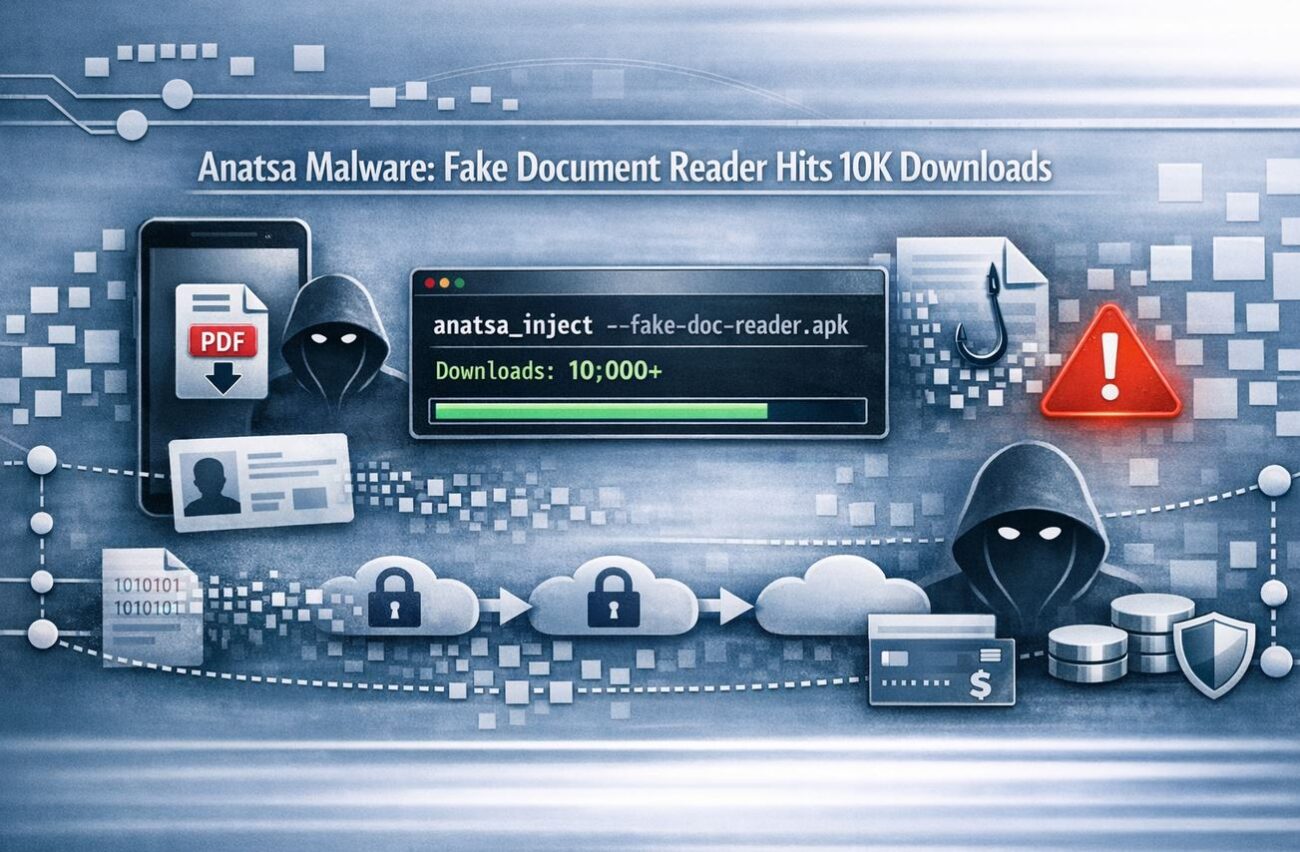
The “walled garden” of the Google Play Store has been breached once again. In a sophisticated campaign identified by Zscaler ThreatLabz on April 27, 2026, a malicious application disguised as a legitimate document reader successfully bypassed Google’s security filters, amassing over 10,000 downloads before being pulled from the store.
The payload? Anatsa—a potent Android banking trojan that has been a thorn in the side of mobile security since 2020. This latest variant has significantly expanded its reach, now targeting over 831 financial institutions and cryptocurrency platforms worldwide, with a fresh focus on users in South Korea and Germany.
The Trojan Horse: How the “File Station” Dropper Works
The malicious app (package name: com.groundstation.informationcontrol.filestation_browsefiles_readdocs) presented itself as a utility for reading documents and browsing files. To the average user, the app functioned exactly as advertised, which is the key to its success.
1. The Two-Stage Delivery Technique
Anatsa’s operators utilize a “clean-to-dirty” strategy. When the app is submitted to Google Play for review, it contains no malicious code. This allows it to pass automated scans and reach the store.
- Stage 1: The user installs the “benign” file reader.
- Stage 2: Once on the device, the app connects to a remote server (
http://23.251.108[.]10:8080/privacy.txt) to pull down the actual Anatsa payload.
2. Evading Automated Sandboxes
Anatsa is equipped with emulation checks. Before deploying the payload, the app verifies the device model and checks for signs of a testing environment. If it suspects it is being analyzed by a researcher or a Google bot, it stays “clean,” showing only a harmless file manager interface.
Technical Deep Dive: Stealth and Persistence
Once the payload is successfully dropped, Anatsa employs advanced techniques to maintain persistence and exfiltrate data while remaining invisible to static analysis tools.
Abuse of Accessibility Services
Like many modern banking trojans, Anatsa’s primary weapon is the Accessibility Service. It prompts the user to grant these permissions under the guise of “improving document readability.” Once granted, the malware can:
- Intercept SMS messages (bypassing 2FA).
- Display Overlays: It shows a fake login page directly over your legitimate banking app.
- Keylogging: Recording every keystroke, including passwords and PINs.
Advanced Detection Evasion
The malware’s creators have gone to great lengths to hide their tracks on the device:
- Corrupted ZIP Archives: The core DEX file is hidden inside a ZIP archive with invalid compression flags. This confuses static security tools that cannot “unpack” the file for inspection.
- Self-Deleting Payloads: The payload is embedded in a JSON file that is loaded into memory and immediately deleted from the disk, leaving virtually no evidence for forensic investigators.
- Single-Byte XOR Encryption: All communication with the Command-and-Control (C2) servers is encrypted to prevent network-level detection.
Indicators of Compromise (IoCs)
Security teams should monitor their networks for the following indicators associated with this Anatsa campaign:
| Indicator Type | Detail | Value |
|---|---|---|
| Package Name | Malicious Dropper | com.groundstation.informationcontrol... |
| Payload URL | Payload Delivery | http://23.251.108[.]10:8080/privacy.txt |
| C2 Server | Command & Control | http://172.86.91[.]94/api/ |
| Installer Hash | SHA-256 | 5c9b09819b196970a867b1d459f9053da38a... |
Export to Sheets
Expert Insights: The Fallacy of “Official” App Stores
As a senior cybersecurity analyst, I see this incident as a reminder that brand name platforms do not guarantee absolute safety. Anatsa’s ability to “wait out” the review process by staying clean during submission is a classic move in the adversarial playbook.
Risk-Impact Analysis: The inclusion of cryptocurrency platforms in the 2026 update signals a shift toward high-liquidity targets where transactions are irreversible. For German and South Korean users, this is an escalated threat level.
FAQs
If Google removed the app, am I safe?
Google removed the app from the store, but it cannot automatically remove it from your phone. If you downloaded a “File Station” or “Document Reader” app recently, you must manually uninstall it and run a deep scan with a mobile security tool.
Why does a file reader need SMS permissions?
It doesn’t. This is a massive red flag. Utility apps like calculators, readers, or flashlights should never request access to your SMS, contacts, or Accessibility Services.
How does Anatsa steal my money?
It uses “Overlay Attacks.” When you open your real banking app, Anatsa detects it and places an identical-looking fake screen on top. You think you’re logging into your bank, but you’re actually sending your credentials directly to the attacker.
Conclusion: Securing the Mobile Endpoint
The resurgence of Anatsa on Google Play proves that “dropper” techniques remain the most effective way for malware to reach a mass audience. To protect yourself and your organization, shift from a “trust by default” model to a Zero Trust mobile posture.
Actionable Steps:
- Audit Permissions: Regularly review which apps have “Accessibility” access in your Android settings.
- Enable Play Protect: Ensure Google Play Protect is active, as it can often identify the secondary payload even if the initial dropper was missed.
- Question the Source: Even on official stores, check the developer’s history and read recent reviews for reports of unusual behavior.
Concerned about mobile banking security? [Assess your Mobile Vulnerability] with our latest threat-hunting checklist to ensure your credentials stay yours.
