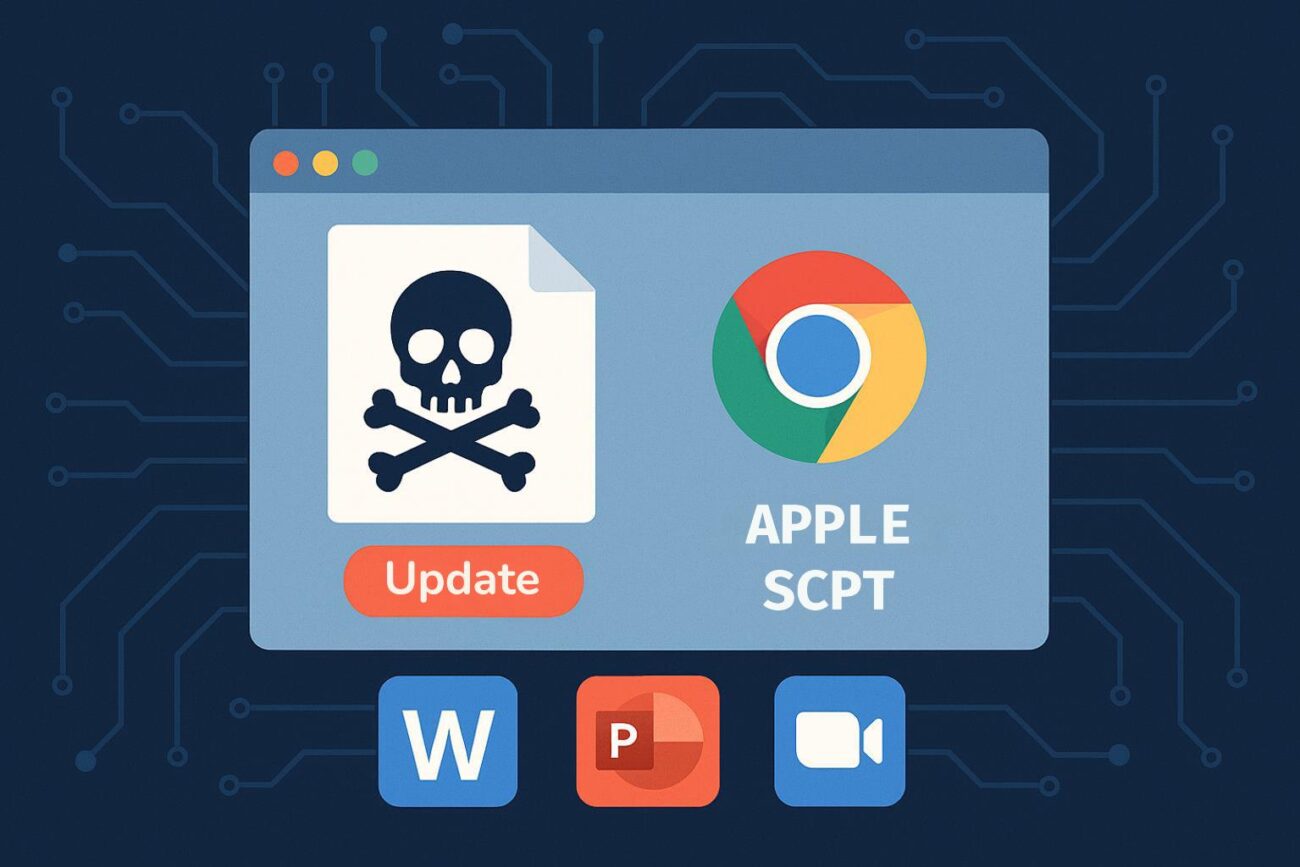
Cybersecurity researchers have identified a sharp increase in macOS malware campaigns leveraging AppleScript (.scpt) files to deliver data stealers and fake update installers. These attacks often masquerade as legitimate Office documents or Zoom and Microsoft Teams updates, tricking users into executing malicious code.
Why AppleScript Is the New Attack Vector
Historically, AppleScript abuse was linked to advanced persistent threat (APT) groups targeting macOS. Today, commodity malware families like MacSync and Odyssey Stealer are adopting these techniques, signaling a shift toward mainstream exploitation.
Following Apple’s August 2024 removal of the Gatekeeper bypass (“right-click and open”), attackers have pivoted to new social engineering tactics. Instead of relying on fake Homebrew installers or DMGs that instructed users to drag items into Terminal, threat actors now use .scpt files to bypass built-in protections.
How the Attack Works
By default, macOS opens .scpt files in Script Editor.app. Attackers exploit this behavior by hiding malicious code beneath long blank spaces and harmless-looking comments. Victims are prompted to click Run or press Command + R, unknowingly executing commands like:
do shell scriptcurlrequests to remote servers
Recent samples include:
- Apeiron_Token_Transfer_Proposal.docx.scpt
- Stable1_Investment_Proposal.pptx.scpt
- Zoom_SDK_Update.scpt
- MSTeamsUpdate.scpt
These files often feature custom icons embedded in the resource fork, making them appear identical to genuine Office files or installers.
Malware Behavior
Once executed, these scripts typically:
- Fetch secondary payloads
- Execute hidden shell commands
- Drop additional malicious DMGs (e.g.,
888.scpt)
Some variants use string obfuscation, splitting payloads into multiple AppleScript variables before reassembling them—similar to PowerShell evasion techniques on Windows.
Detection Challenges
Traditional antivirus solutions struggle to detect these threats. Several live samples show zero detections on VirusTotal, making proactive defense critical.
Defense and Mitigation
Security experts recommend:
- Monitor Script Editor executions and flag suspicious network activity.
- Treat file event logs with extensions like
.docx.scptor.pptx.scptas high-risk. - Change default handler for
.scptand.applescriptfiles to non-executable editors (e.g., TextEdit). - Deploy custom EDR rules targeting AppleScript event codes like
sysoexec(used fordo shell script). - Track anomalies in Terminal launches on macOS endpoints.
Key Takeaway
The rise of AppleScript-based infections highlights a growing convergence between scripting abuse and social engineering on macOS. Organizations and individuals must adopt proactive monitoring and endpoint hardening to stay ahead of evolving threats.
