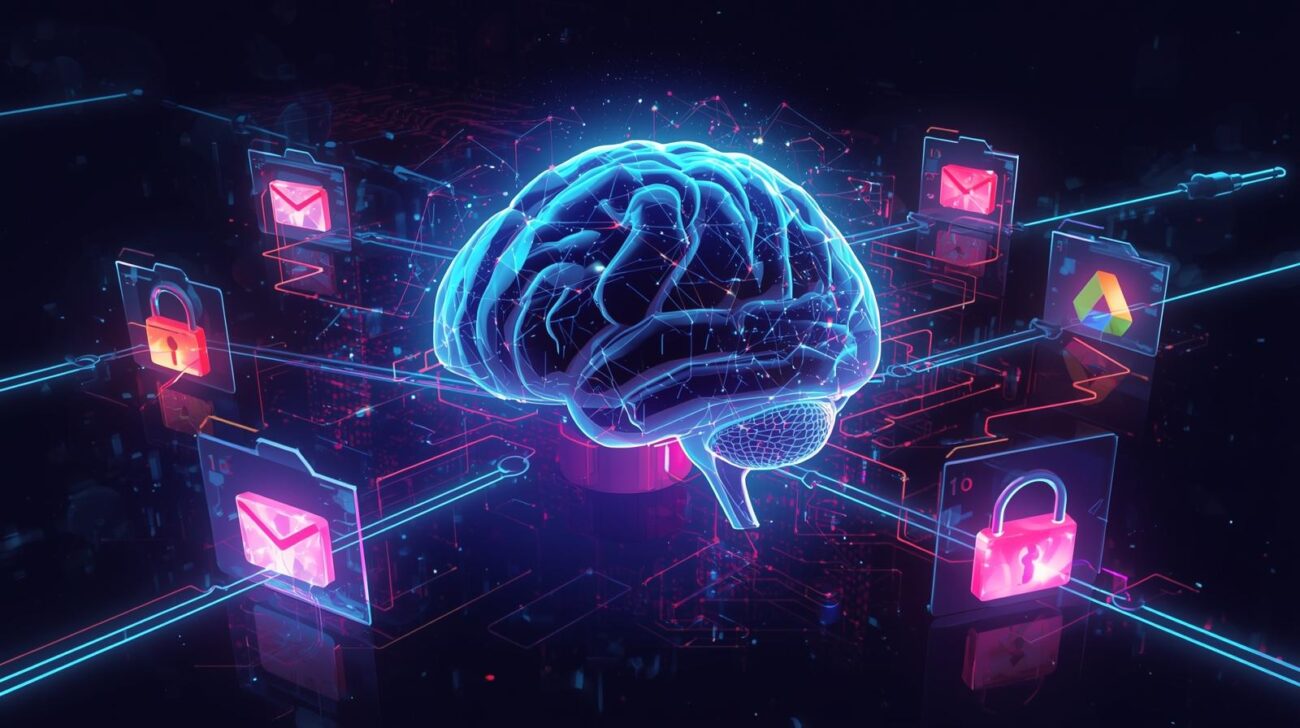
Google has expanded its Gemini AI model’s Deep Research feature to pull data directly from users’ Gmail, Google Drive, and Google Chat accounts.
This update allows the AI to analyze personal content—emails, documents, spreadsheets, slides, PDFs, and chat threads—alongside web-based information to create comprehensive research summaries.
What the New Gemini AI Feature Does
According to Google, this expansion aims to help professionals and teams collaborate more effectively by blending internal resources with public web data.
For example:
- A market analysis could now include brainstorming notes from Drive, email exchanges, and real-time web trends.
- A competitor report might merge private comparison spreadsheets with publicly available insights Gemini gathers from the web.
Google calls this its “most-requested feature,” now available to all Gemini users on desktop via the Tools menu, with mobile support coming soon.
Cybersecurity Concerns Behind the Convenience
While this integration offers powerful research capabilities, it introduces serious cybersecurity risks.
Allowing Gemini AI to access sensitive repositories like Gmail and Drive could inadvertently expose confidential business data, such as proprietary strategies, client communications, or intellectual property.
Even though Google emphasizes user control—letting people select specific data sources before running a query—the simplicity of access could lead to unintended data sharing.
Cybersecurity professionals warn about:
- Prompt Injection Attacks – where malicious prompts trick AI models into revealing or mishandling private data.
- Expanded Attack Surfaces – more integration points mean more potential vulnerabilities for hackers to exploit.
Considering large-scale incidents like the 2023 MOVEit supply chain attack, even robust ecosystems can face breaches when connected to multiple data sources.
How to Protect Your Data When Using Gemini AI
Organizations and users should prioritize security configuration before activating Gemini’s expanded access.
Here’s what cybersecurity experts recommend:
- Audit AI PermissionsReview what Gmail, Drive, and Chat data Gemini can reach. Restrict it to what’s strictly necessary.
- Apply Zero-Trust PrinciplesNever assume safety—verify every system and connection request.
- Monitor Access LogsRegularly review Google Workspace logs for suspicious AI activity or unauthorized access.
- Enable Multi-Factor Authentication (MFA)Adds a crucial layer of protection against compromised credentials.
- Use Enterprise-Grade ProtectionsEnable Google Workspace’s advanced data protection features and DLP (Data Loss Prevention) tools.
Balancing Innovation and Security
Gemini’s Deep Research update highlights how far AI-driven collaboration has come. But as data access deepens, so do the risks.
Productivity and security don’t have to be at odds—as long as organizations maintain visibility and control. The most powerful AI is still only as trustworthy as the security measures surrounding it.
Final Thoughts
Google’s Gemini AI update is a breakthrough for productivity and research automation. However, it’s also a critical reminder that convenience cannot outweigh cybersecurity.
Before enabling deep data access, ensure you understand exactly what information Gemini touches and how it’s processed. In cybersecurity, awareness isn’t just power—it’s protection.
