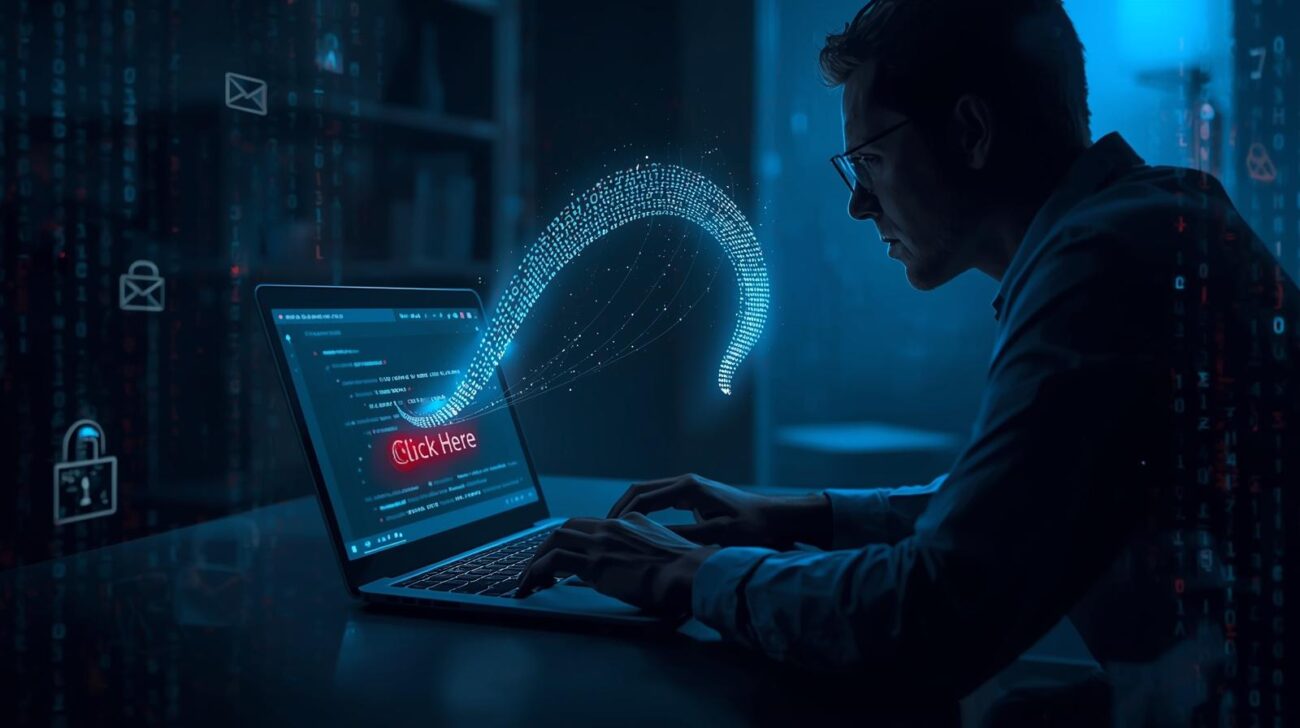
It started with a simple email.
No flashy graphics. No threats. Just a calm message from what looked like the company’s IT department:
“We’ve noticed unusual activity on your account. Please verify your credentials to restore access.”
Ethan, a finance manager at a mid-sized firm, clicked the link without thinking twice. He logged in using his company credentials — or so he thought. Within hours, the attackers had infiltrated the company’s financial systems, siphoned sensitive data, and launched further phishing emails from Ethan’s compromised account.
All from one click.

What Exactly Is Phishing?
Phishing is a social engineering attack where cybercriminals trick people into giving away confidential information — like passwords, credit card numbers, or login credentials — by pretending to be a trusted entity.
The name comes from “fishing,” because hackers are literally casting bait — hoping you’ll bite.
Common bait includes:
- Fake bank notifications
- Emails that look like they’re from Microsoft, Google, or your IT team
- Delivery alerts from UPS or FedEx
- Even job offers or security warnings
The moment you click the wrong link or download a “form,” you’re giving them a doorway into your digital life.

The Anatomy of a Phishing Attack
Let’s break down how phishing works behind the scenes:
- The Hook: You receive a legitimate-looking message — maybe with your company logo or your name.
- The Lure: It creates urgency — “your account will be locked,” “invoice pending,” or “update your password.”
- The Bite: You click a link leading to a fake login page or download an infected file.
- The Catch: Your credentials or system access are now in the attacker’s hands.
And because these messages are so realistic, even cybersecurity professionals sometimes fall for them.

How to Spot a Phishing Email (Before It Hooks You)
Here’s how you can protect yourself — and your organization:
- Check the sender’s address carefully.A real email from PayPal won’t come from “paypa1-support@securemail.io.”
- Hover before you click.Mouse over links to see the real destination. If it looks suspicious — don’t click.
- Beware of urgency.“Act now or lose access” is a classic phishing trick. Real companies don’t threaten you into compliance.
- Look for grammar mistakes and odd tone.Phishing emails often have awkward phrasing or slightly off wording.
- Use MFA (Multi-Factor Authentication).Even if someone steals your password, MFA can stop them from logging in.

The Real Cost of Phishing
Phishing isn’t just an annoyance — it’s a billion-dollar problem.
According to recent reports, over 90% of data breaches start with a phishing email.
Victims often face:
- Identity theft
- Financial loss
- Corporate data breaches
- Reputational damage
And small businesses are often hit the hardest — they rarely have the security layers large enterprises do.

How to Protect Yourself and Your Team
- Train employees regularly with phishing simulations.
- Use email security tools like spam filters and anti-phishing gateways.
- Update your browsers and software — they often block known malicious sites.
- Report suspicious emails to your IT or security team.
Remember: Awareness is your strongest defense.

The Takeaway
Ethan’s story isn’t unique. Every day, thousands of people around the world click on messages that feel real — because hackers have perfected the art of deception.
But now that you know how phishing works, you’re one step ahead.
The next time an urgent email lands in your inbox, pause before you click.
Because in cybersecurity, that single moment of hesitation could save everything.
