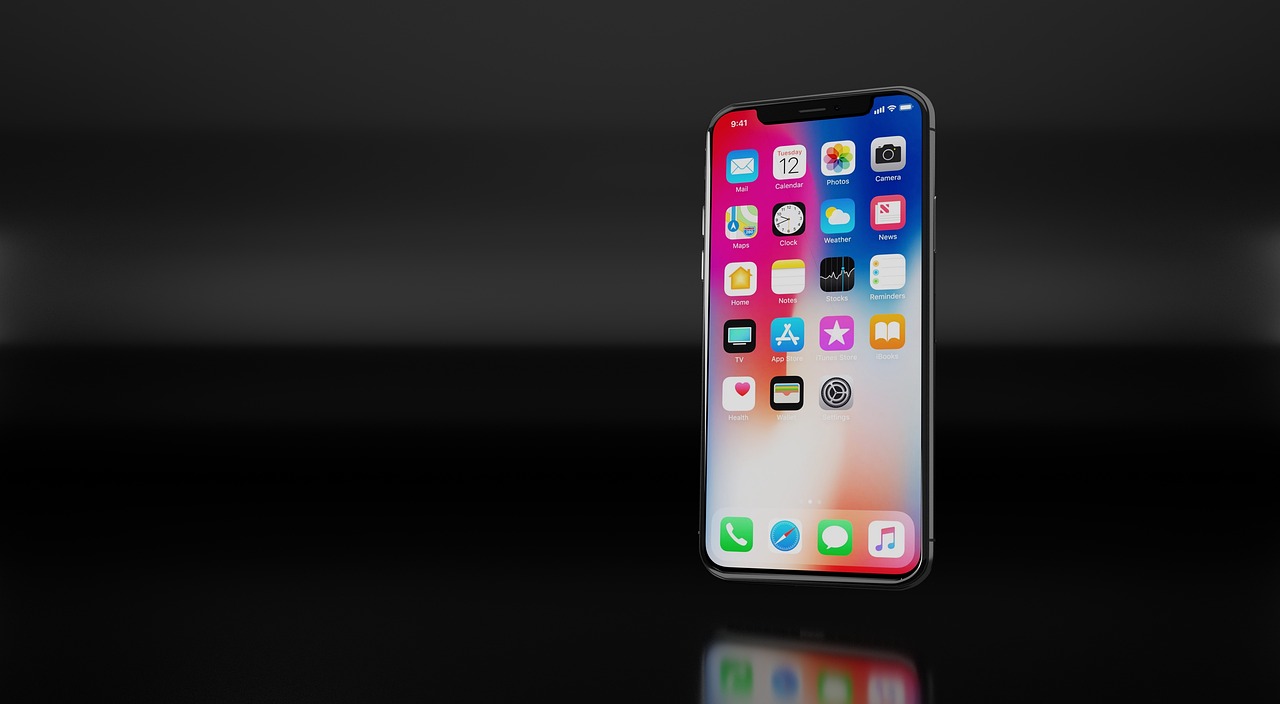
Apple is renowned for its seamless software ecosystem, but recent reports reveal a potential security gap in its update strategy. While iPhone, iPad, and Mac users receive updates across multiple system versions, these updates don’t always cover all known vulnerabilities.
As a result, users delaying upgrades may unknowingly leave their devices exposed to cybersecurity threats, creating a false sense of security.
Why Users Delay Apple Updates
When Apple released iOS 26, iPadOS 26, and macOS 26, the brand introduced Liquid Glass, a major overhaul of the system interface. While visually impressive, many users found the redesign unconventional and preferred to wait.
- Many stuck with older versions such as macOS Sequoia or iOS 18 for weeks or months.
- Enterprise clients are even more cautious, avoiding immediate upgrades to prevent workflow disruptions caused by potential compatibility issues.
- Apple users have adopted the habit of waiting until the third or fourth subversion before upgrading, to avoid early bugs.
Keywords: Apple updates, iOS security, macOS vulnerabilities, update delays.
The Security Gap in Older Versions
Here’s the catch: Apple only ensures that all known security vulnerabilities are fully patched in the latest system version.
- Previous versions receive partial updates.
- Comparing Apple’s Security Release Notes reveals which vulnerabilities remain unpatched in older releases.
- This applies to macOS, iOS, and iPadOS, especially during major version transitions (e.g., macOS 15 → 26).
The consequence: Users delaying updates may face unpatched security flaws that hackers could exploit.
Keywords: security vulnerabilities, iOS exploits, macOS update gaps, cybersecurity risks.
Lack of Transparency Adds Risk
Apple’s approach leaves users in the dark:
- Which vulnerabilities are patched and which remain?
- How are updates prioritized—by severity, exploitability, or other criteria?
- What is the real risk of staying on an older version?
Currently, Apple provides little clarity. Users are left guessing whether their system is truly secure, creating false confidence in older versions.
Keywords: update transparency, system security, Apple patching policy, cybersecurity awareness.
Potential Solutions
Experts suggest two practical solutions:
- Slower Update Cycles: Apple could release major updates less frequently, giving users more time to transition safely.
- Comprehensive Security Patches: Ensuring that all supported versions receive full security updates, closing every known vulnerability.
The second approach is simpler and would protect users without forcing immediate adoption of new systems.
Takeaways for Apple Users
- Delaying updates may reduce exposure to interface bugs but increases cybersecurity risk.
- Users should be aware that older iOS, macOS, and iPadOS versions are not fully secure.
- Organizations and enterprise clients should weigh compatibility against security, ensuring systems remain protected against known vulnerabilities.
Keywords: Apple security tips, device protection, iOS update risks, macOS cybersecurity.
Conclusion
While Apple’s updates bring new features and performance improvements, the partial patching of older versions creates a hidden cybersecurity risk.
For users and IT administrators alike, understanding the limitations of Apple’s update policy is critical. Whether through slower release cycles or comprehensive security coverage for all supported versions, the goal should be complete transparency and real protection—not just the illusion of security.
